




Overview
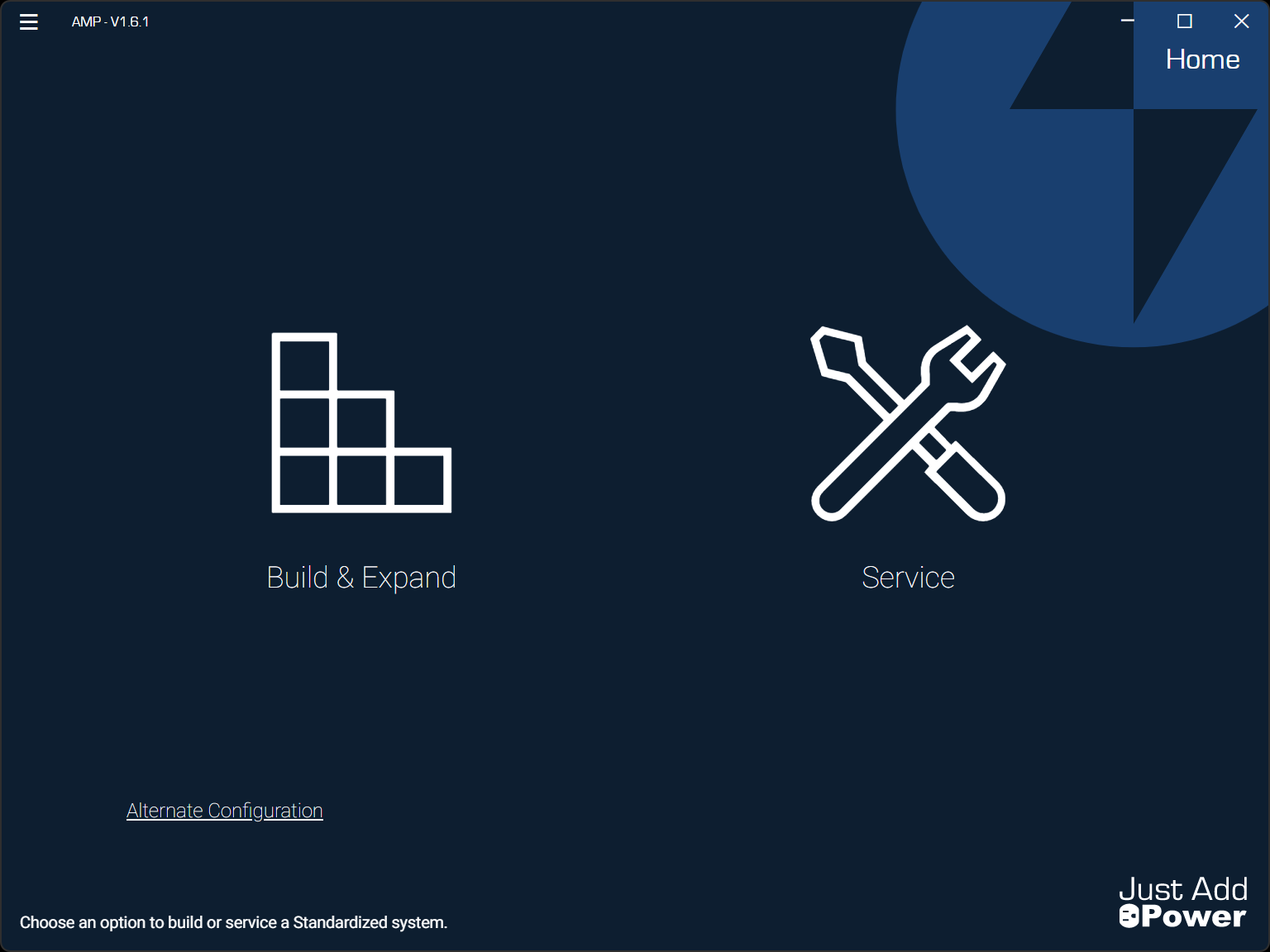
AMP (Advanced Matrix Programmer) configures Omega, Ultra, and MaxColor Series devices into an HDMI matrix switching system. It is the modern replacement for JADConfig and supports both standardized and custom (alternate) configurations.
If you were previously using JADConfig for Omega or Ultra systems, you can continue to maintain those systems with it. However, all new systems should be configured using AMP.
Latest AMP Version: v1.6.1 (Released Feburary 16th, 2026)
Latest Firmware: Omega B3.2.0 / Ultra B3.2.0 / MaxColor v4.5.0
Recommended Setup: Standardized Configuration
System Configuration Options
Standardized Configuration (Recommended)
AMP automatically configures both the managed switch and all Just Add Power Encoders and Decoders. This creates a fully integrated video matrix that can also use extra switch ports for standard network devices.
- Supports Omega, Ultra, and MaxColor Series devices.
- Uses supported switches from the Standardized Configuration Supported Switch List.
- Select Build & Expand to begin configuration.
- Supports up to 63 switches, 101 Encoders, and 3023 Decoders.
Alternate Configuration
AMP configures the Encoders and Decoders only. You are responsible for configuring the switch according to the required network design.
- Switch must meet the minimum requirements.
- Select Alternate Configuration from the bottom-left corner of AMP to begin.
- Supports up to 9,999 Encoders and an unlimited number of Decoders (depending on network design).
For help choosing between configurations, see Standard vs. Alternate Configuration.
Before You Begin
Plan your system using the resources below:
- Plan a MaxColor Series system
- Plan an Ultra Series system
- Plan an Omega Series system
- Compare MaxColor, Ultra, and Omega Series Devices
Download AMP
Download the latest version of AMP and access training materials below.
Version Information
Current AMP Version: v1.6.1
Release Date: Feburary 16th, 2026
Latest Firmware
- Omega Series: B3.2.0
- Ultra Series: B3.2.0
- MaxColor Series: MAX v4.5.0
Switch Configuration
Standardized Configuration Supported Switches
AMP automatically configures supported switches and all Just Add Power devices for you. AMP VLAN supports systems with up to 63 switches.
Alternate Configuration Switch Requirements
If you use a switch not listed above, ensure it meets the minimum requirements. You must configure the switch manually—AMP will not program it for you.
Changelog
v1.6.1
Added
- Automatic retry of saved configuration changes if devices temporarily go offline during setup.
- Confirmation step after retries to verify settings were successfully applied.
- Clearer error messages when IP or IGMP configuration fails.
- IGMP exports now include full network details (gateway and subnet).
- Clearer validation messages for invalid IP address ranges.
Fixed
- Corrected gateway and subnet handling during configuration.
- Fixed retry behavior to ensure devices retain correct identity during reconfiguration.
- Resolved RX channel reassignment inconsistencies.
- Corrected IP address read issues in certain scenarios.
- Fixed UI timing issues during device configuration and status updates.
- Improved validation for broadcast and out-of-network IP addresses.
Changed
- Stronger validation when changing device IP and IGMP settings to prevent misconfiguration.
- Improved configuration retry behavior to properly refresh device tables.
- The Unconfigured page now reloads automatically if configuration does not fully complete.
- Device settings apply/save/reboot process improved for better reliability.
- RX channel assignment now automatically selects from the lowest assigned TX channel.
- Reboot delay slightly increased to improve stability after applying settings.
- Firmware update status messaging improved for clearer progress feedback.
- Improved table layout and scrolling behavior for larger systems.
Known Issues
- None

