


Download Advanced Matrix Programmer (AMP) (2G Legacy Mode, Omega, Ultra, and MaxColor Series)
Overview
Advanced Matrix Programmer (AMP) configures Just Add Power Encoders and Decoders into an HDMI matrix switching system. It supports Omega Series, Ultra Series, and MaxColor Series systems through Standardized Configuration and Alternate Configuration.
AMP 2.0.0 adds support for 2G Series systems through AMP 2G Legacy Mode, including device discovery, configuration, and firmware updates.
Latest AMP Version: v2.0.0
Release Date: October 6, 2026
Recommended Setup: Standardized Configuration
All new systems must use AMP. JADConfig is intended only for established systems and reaches End of Support on January 1, 2027. Review the JADConfig End of Support notice and migration requirements when planning service or conversion.
System Configuration Options
Standardized Configuration (Recommended)
AMP configures supported managed switches and Just Add Power Encoders and Decoders together. Standardized Configuration uses VLAN Switching and can also accommodate standard network devices on extra switch ports.
- Supports Omega Series, Ultra Series, and MaxColor Series systems.
- Supports 2G Series systems through AMP 2G Legacy Mode.
- Requires switches from the Standardized Configuration supported switch list.
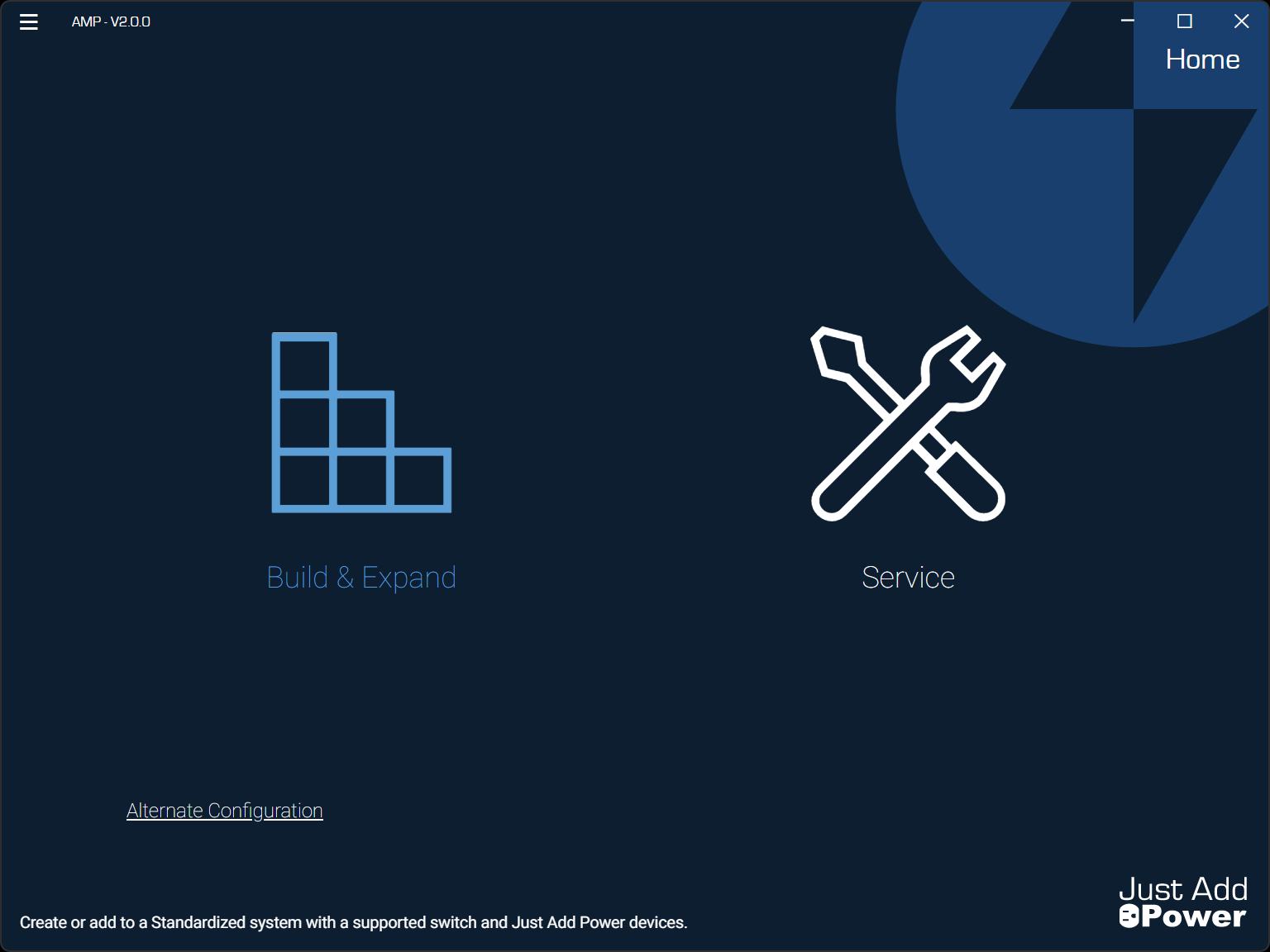
- Select Build & Expand to begin configuration.
- Supports up to 63 switches, 101 Encoders, and 3023 Decoders.
2G Legacy Mode: Requires Standardized Configuration. AMP applies L Series firmware to 2G Series devices and compatible Omega Series and Ultra Series devices during configuration. Review 2G Legacy Mode hardware compatibility and capability limitations before planning the system.
Ruckus Switch Restriction: Ruckus switches are not supported in AMP 2G Legacy Mode. For systems that include 2G Series devices, select a supported switch from another manufacturer. See Supported Switches for AMP Standardized Systems.
Alternate Configuration
AMP configures the Encoders and Decoders only. The installer or network administrator configures the switches and network for Multicast Switching.
- Supports Omega Series, Ultra Series, and MaxColor Series systems.
- Does not support AMP 2G Legacy Mode.
- Requires a network that meets the Multicast Switching minimum requirements.
- Select Alternate Configuration from the bottom-left corner of AMP to begin.
- Supports up to 9,999 Encoders and an unlimited number of Decoders, depending on network design.
For strengths, tradeoffs, and use cases, see Choosing between Standardized and Alternate Configurations.
Before You Begin
Confirm device compatibility, switch support, network capacity, and control-system requirements before configuration.
If you are converting an established JADConfig system to AMP, complete the preparation steps for your system before changing its configuration:
Download AMP
Download AMP and access training materials below.
Version Information
Device Firmware
- Omega Series and Ultra Series: B3.2.0 for normal series operation.
- MaxColor Series: MAX v4.5.0.
- AMP 2G Legacy Mode: L1.1.9.0 for 2G Series devices and compatible Omega Series and Ultra Series devices.
v2.0.0 — October 6, 2026
Added
- Support for AMP 2G Legacy Mode in Standardized Configuration, including device discovery, configuration, and firmware updates with L1.1.9.0.
- Device-name editing directly in the VLAN configuration table, with automatic saving.
- Device names in generated export files and report summaries.
Changed
- Improved device communication reliability to reduce timeouts and dropped connections.
- Device discovery now waits for complete network information before calculating device counts.
- Improved table loading, sorting, column visibility, and header alignment.
- Advanced switch setup controls, such as trunking, now appear only for supported models.
- Improved network setup and address validation.
Fixed
- Corrected firmware version checking when a device reports an invalid or corrupt version number.
- Corrected discovery freezes and incorrect device counts caused by delayed device responses.
- Corrected network rule enforcement for routing and blocking legacy video traffic.
- Device-name edits and custom report filenames now persist reliably after saving.
- Interface states and menu options now update correctly when navigating back during firmware updates.
- Corrected device identification when devices have duplicate network hostnames or use legacy naming formats.
v1.6.3
Added
- Optional Encoder and Decoder naming when configuring a system using Build New. Device names appear in Gather Details, downloaded project reports, and each device's webUI.
Fixed
- Corrected Gather Details uploads.
- Corrected an issue where the add-switch + button disappeared when a secondary switch model was selected.
- Corrected ST1 discovery failures on A6.5.9-LTSv3 in Alternate Configuration.
v1.6.2
Added
- Added support for adding devices to an existing Alternate Configuration system through on-site and off-site workflows.
Changed
- In Alternate Configuration, Matrix ID information now appears only for devices being added.
- Devices on the Alternate Configuration incompatible devices page can now be selected and reviewed without disconnecting the adapter.
- Alternate Configuration report files remain available until setup is complete.
- Basic channel switching now works in Unified mode in Alternate Configuration.
- Improved workflow text and labels throughout AMP.
Fixed
- Corrected Encoder and Decoder labels in the Alternate Configuration source switching table.
- Corrected validation of Alternate Configuration IP and subnet fields when automatically filled from previous entries.
- Corrected device model information displayed when hovering over disabled devices in Alternate Configuration.
- Going back during Alternate Configuration setup no longer unexpectedly disconnects the adapter.
- Firmware compatibility is now checked before advancing to the Complete or Incompatible page in Alternate Configuration.
- Rescan and Continue buttons are now locked while Alternate Configuration device discovery is in progress.
- Gateway, broadcast, and network addresses can no longer be assigned to devices in Alternate Configuration.
- Existing devices are no longer unintentionally modified when applying new Alternate Configuration changes.
- Improved stability and display behavior for device tables and page transitions.
Known Issues
The following issues affect Standardized Configuration systems. Use the linked instructions to identify the issue and complete the workaround.
-
TP-Link configuration file rejected: AMP 2.0.0 may incorrectly include the
TL-prefix in configuration files generated for TP-Link Omada SG34XX Series switches whose actual model names do not include that prefix. This model-name mismatch causes the switch to reject the configuration file.Workaround: Remove the incorrect
TL-prefix from the affected switch'sdcandjpconfiguration files. Follow the instructions for correcting rejected TP-Link configuration files.Expected fixed version: AMP 2.0.1
-
Luxul SW-505 configuration and service failure: A firmware validation issue in AMP 2.0.0 prevents Build & Expand and Service functions from working with Luxul SW-505 Series switches.
Workaround: Use AMP 1.6.3 by following the Luxul SW-505 workaround instructions and download. AMP 1.6.3 does not support 2G Legacy Mode.
Expected fixed version: AMP 2.0.1
-
TP-Link switching and AMP service lockout: Certain newer TP-Link switch firmware versions prevent matrix switching and AMP service functions from working correctly.
Workaround: Return the switch to supported firmware using the maximum firmware table and TP-Link rollback instructions. Re-uploading the switch configuration file is not required.
Expected fixed version: AMP 2.1.0

